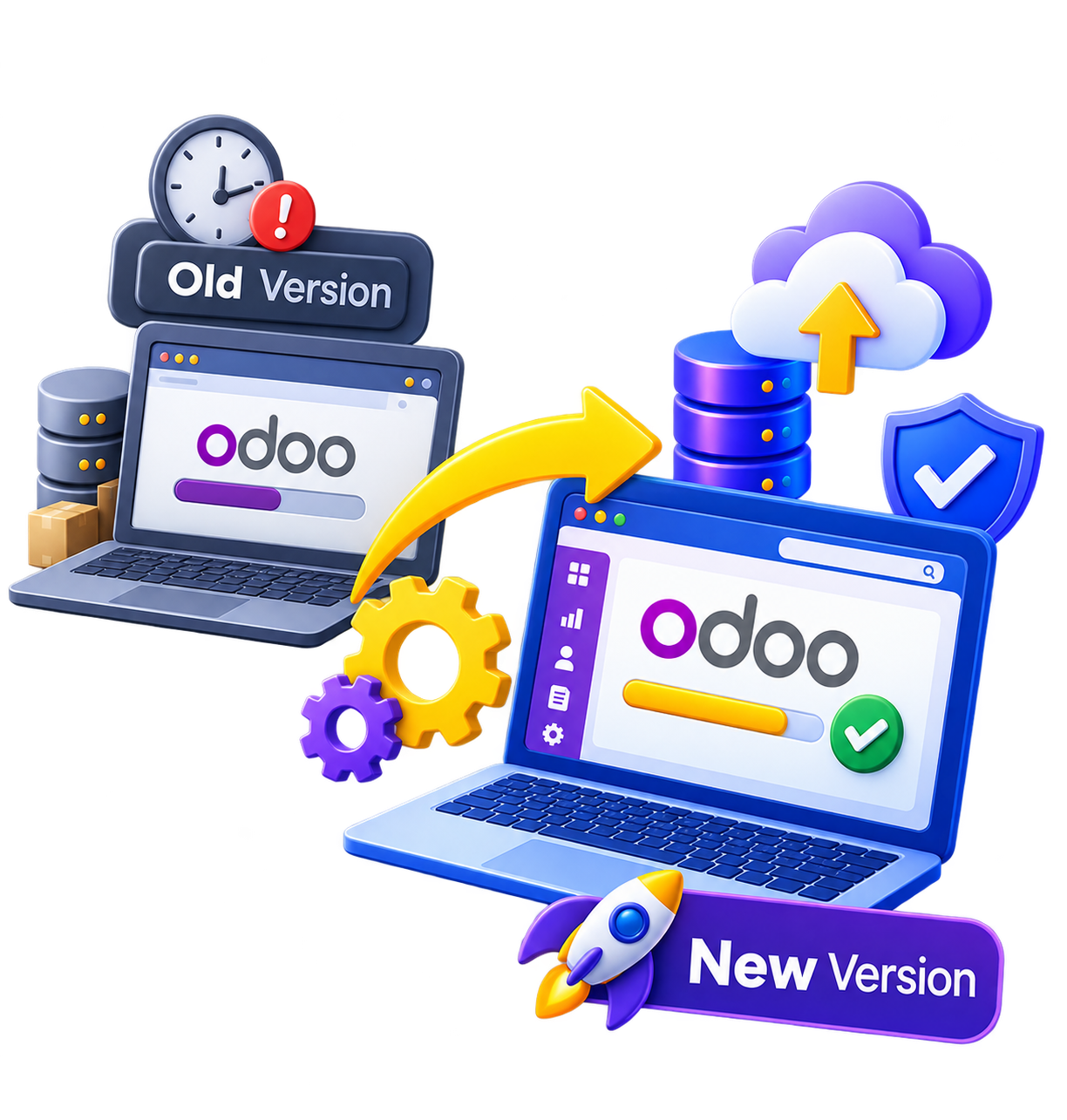
Odoo regularly evolves with new major versions that bring features, performance improvements and security fixes. For companies that have used their ERP for several years, one question eventually arises: how do you carry out an Odoo migration to a higher version without disrupting the business?
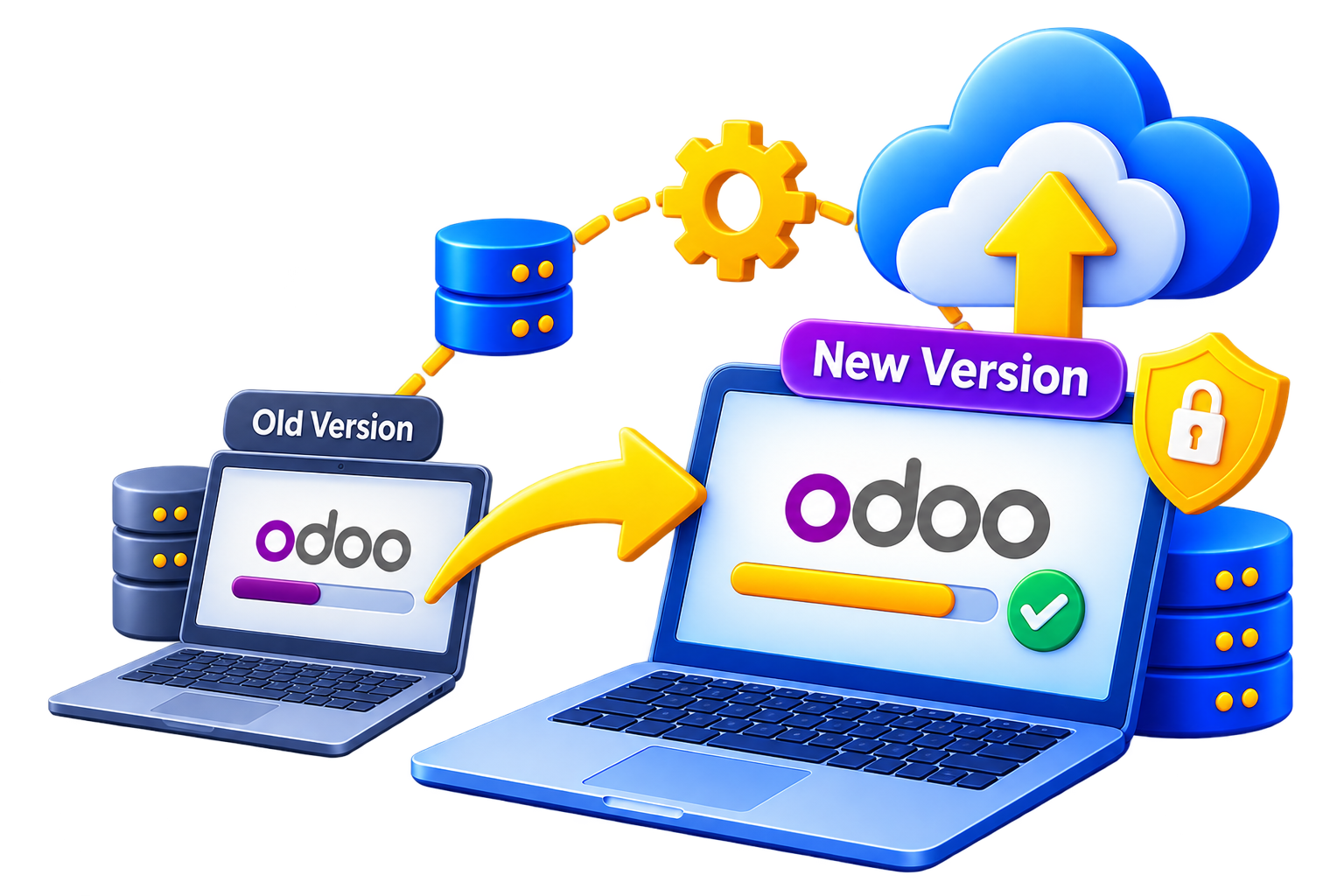
Going from Odoo 17 to Odoo 18, or from Odoo 18 to Odoo 19, is not simply a matter of installing a new version of the software. A migration touches the database, modules, custom developments, integrations and business processes. The right approach is to prepare the migration, test it on a separate environment, then carefully plan the production go-live.
Why carry out an Odoo migration?
A migration is a technical and functional project, but staying too long on an old version can also create constraints.
Benefit from new features
Each new version brings changes in several areas: accounting, sales, CRM, inventory, e-commerce, automation, user experience. A migration lets you benefit from features that did not exist in your current version, while modernizing some processes.
Improve maintenance and security
The older a version gets, the more complex maintenance can become, and some third-party modules may stop being maintained. Migrating to a recent version keeps the environment maintainable and within the support cycle planned by Odoo.
Support the company’s evolution
A company never stands still: its teams grow, its processes evolve, new sales channels and new integrations appear. An Odoo upgrade can become an opportunity to rethink parts of the system rather than a purely technical operation.
How to prepare an Odoo migration
Before starting a migration from Odoo 17 to 18 or from Odoo 18 to 19, the first step is to understand the existing environment precisely. You need to identify:
- installed applications and modules
- third-party modules
- custom developments
- customizations
- automations
- APIs and external integrations
- e-commerce flows
- critical data
- business processes used every day
This audit phase avoids a common mistake: assuming that all Odoo installations have the same level of complexity. An instance that mainly uses standard features is not the same project as an ERP with several custom modules and many integrations.
Technical migration and functional migration
An Odoo database migration has two complementary dimensions. The first is technical: adapting code, modules, models, views and data to the target version. The second is functional: checking that teams can keep carrying out their daily tasks correctly.
A technically successful migration that prevents a sales team from processing its orders correctly is, in practice, a failed migration.
Prepare a test environment
Odoo recommends requesting and testing an upgraded database before the production migration. This environment reproduces real conditions without putting the business at risk. This is also the stage where problems related to customizations and third-party modules must be identified.
The 8 steps of a successful Odoo migration
- Step 1Audit the existing environment
Analyze the database, modules, customizations, integrations and business processes, to have a precise inventory before starting.
- Step 2Define the target version
Decide which version to migrate to and check its compatibility with the technical and functional environment. The larger the gap between versions, the more complex the process can become.
- Step 3Check modules and customizations
Analyze each module and adapt the code of custom developments. Odoo states that a database containing custom modules cannot be upgraded until a compatible version of those modules is available.
- Step 4Back up and prepare the environment
Have a complete backup before any operation, then prepare a test environment for a first migration without touching production.
- Step 5Run a trial migration
The first migration is used to identify problems: errors, incompatibilities and unexpected behavior are documented so they can be fixed before go-live.
- Step 6Carry out functional tests
Reproduce the scenarios actually used: sales and purchasing, accounting, inventory and deliveries, CRM, automations, reports, e-commerce and external integrations, APIs and flows between applications.
- Step 7Fix, then schedule the switch
Fix the affected developments and configurations, then schedule the final migration at a time when ERP use is lowest. The production database is unavailable during the upgrade.
- Step 8Monitor the environment after migration
The project does not end at go-live: a monitoring period detects anomalies, supports users and checks that critical processes work.
What are the risks and how much does an Odoo migration cost?
The complexity of an ERP migration rarely depends on the version number alone: it depends mostly on what has been built around Odoo.
Customizations: the main point of vigilance
A standard Odoo instance is generally easier to upgrade than a heavily customized system. The elements to analyze:
- standard Odoo: native features
- third-party modules: availability and compatibility
- custom developments: adaptation or redevelopment
- external integrations: API, payment, e-commerce, EDI…
A development built several years ago may use models, fields or behaviors that have since evolved. That is why an in-depth technical audit is essential before estimating the real workload of the project.
Data: a major issue
A migration is not only about code. The database holds sales, accounting, customer, supplier, product, document and history data that must keep working after the move to the new version. The quality of existing data can directly affect the complexity of the migration.
How much does an Odoo migration cost?
There is no universal price. The cost depends in particular on:
- the current version and the target version
- the size of the database
- the number of modules
- the volume of customizations
- the number of integrations
- the quality of the data
- the level of testing required
- the number of users affected
A concrete example: migrating from Odoo 17 to Odoo 19

Take a company running Odoo 17, with several standard applications, a custom commission management module and an e-commerce platform connected to the ERP, that wants to migrate to Odoo 19.
- The project starts with a full audit to identify existing modules, customizations and flows.
- The team checks the compatibility of the commission module and the e-commerce connector with the target version.
- A copy of the database is prepared for a test migration.
- After the migration, teams test the main scenarios: creating an order, invoicing, payment, commission handling, stock movements and processing an e-commerce order.
- The problems found are fixed before the tests are repeated.
- Once the environment is validated, a production window is scheduled for the switch, with minimal interruption.
In this example, the real challenge is not only moving from Odoo 17 to Odoo 19, but the compatibility of the whole ecosystem built around the ERP.
Frequently asked questions about Odoo migration
Can you migrate Odoo without losing your data?
A properly prepared migration aims to preserve existing data. However, a backup and a test phase are essential before any intervention on production.

How long does an Odoo migration take?
The duration depends heavily on the complexity of the instance. A lightly customized installation can be handled in a few days, while an environment with many developments and integrations may take several weeks.

Can we keep using Odoo during preparation?
Yes. Preparation and testing can be done on a separate test database. Production is normally only affected at the final switch.
Can a heavily customized database be migrated?
Yes, but the custom developments must be analyzed and adapted to the target version. The more customizations an instance has, the more important the prior audit becomes.

Conclusion: an Odoo migration is prepared, not improvised
An Odoo migration is not about changing a version number: it involves the database, modules, customizations, integrations and above all the company’s business processes. The key to a successful transition is a clear methodology: audit, prepare, test, fix, then migrate. Done well, it can also be an opportunity to modernize the ERP, reduce technical debt and prepare the company for Odoo’s next evolutions.
Considering an Odoo migration to a higher version? BIZUP supports you through the audit, preparation, migration and testing of your Odoo environment, for a controlled transition adapted to your needs. See our Odoo Migration page and contact us.